
Setup Guide
Why You Are Getting 50 Applications
This product is built around a single observation about the current market. Today, the primary risk is no longer the quality of the product itself. The real risks are distribution, timing, and positioning.
Many founders fail because they commit too early to a single idea without feedback. They attempt to predict success instead of validating it. This bundle is designed to remove that uncertainty.
You are not meant to build fifty applications.
The goal is to test aggressively, learn quickly, and discard anything that does not show movement. Each application is production ready, independent, and structured to be launched quickly. Every app can be adapted or abandoned with minimal cost.
By taking multiple shots, you generate real-world data faster, validate ideas sooner, and significantly increase the probability that one application reaches revenue.
Once demand is proven, that is the moment to slow down, refine, and scale. Until then, speed is your advantage.
Check a demo here:
https://demo.dealmaker.world
Step 1: Accessing the Files
After completing your purchase, you will receive a link to the library.
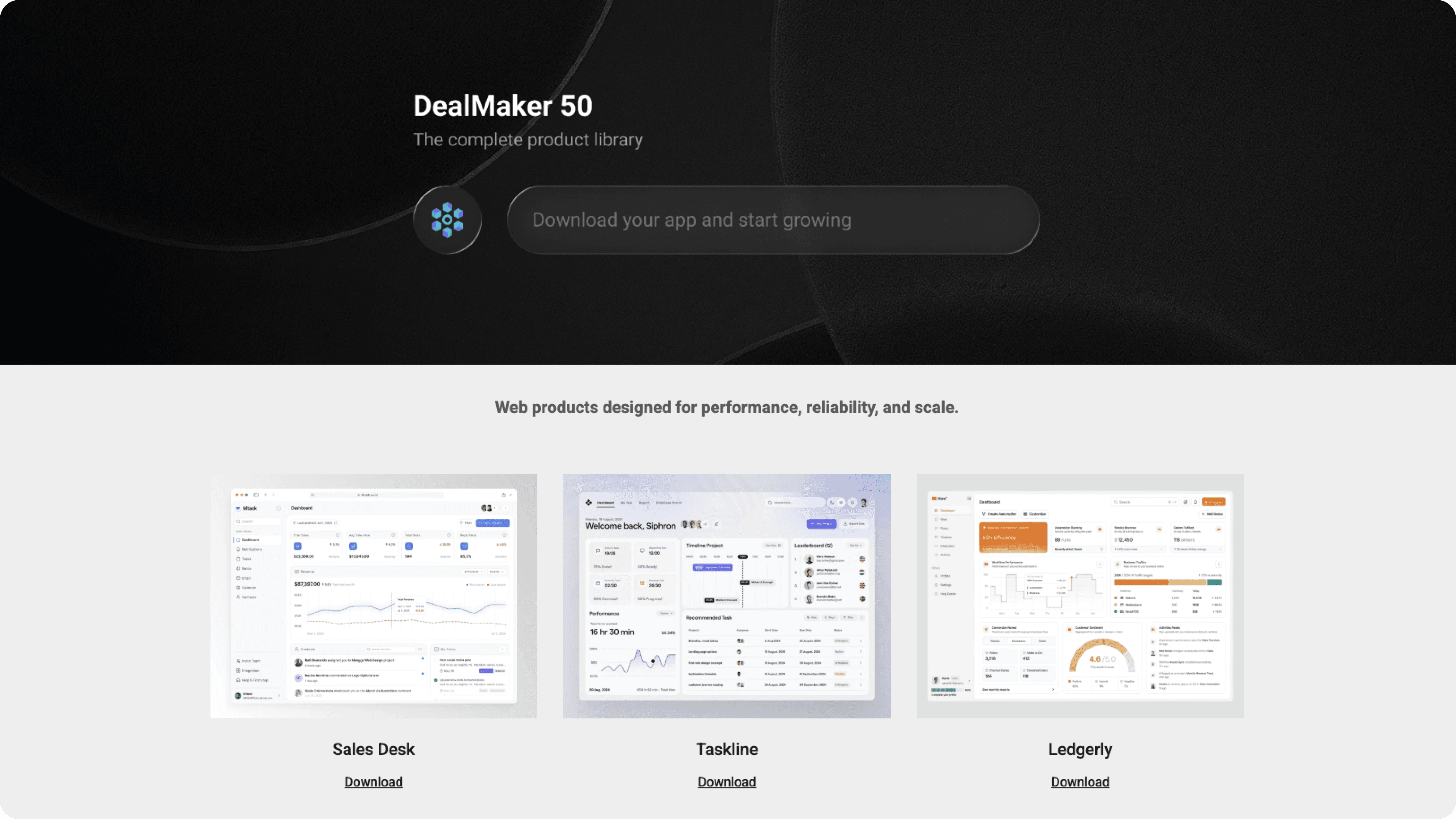
The library contains a single main folder with fifty subfolders, one for each application. Every subfolder includes the full source code for that app.
At this stage, avoid overanalyzing your choice. Select one application that solves a clear problem, targets a market you already understand, and feels easy to explain and sell. You can always return and test a different application later.
Step 2: Uploading the Code to GitHub
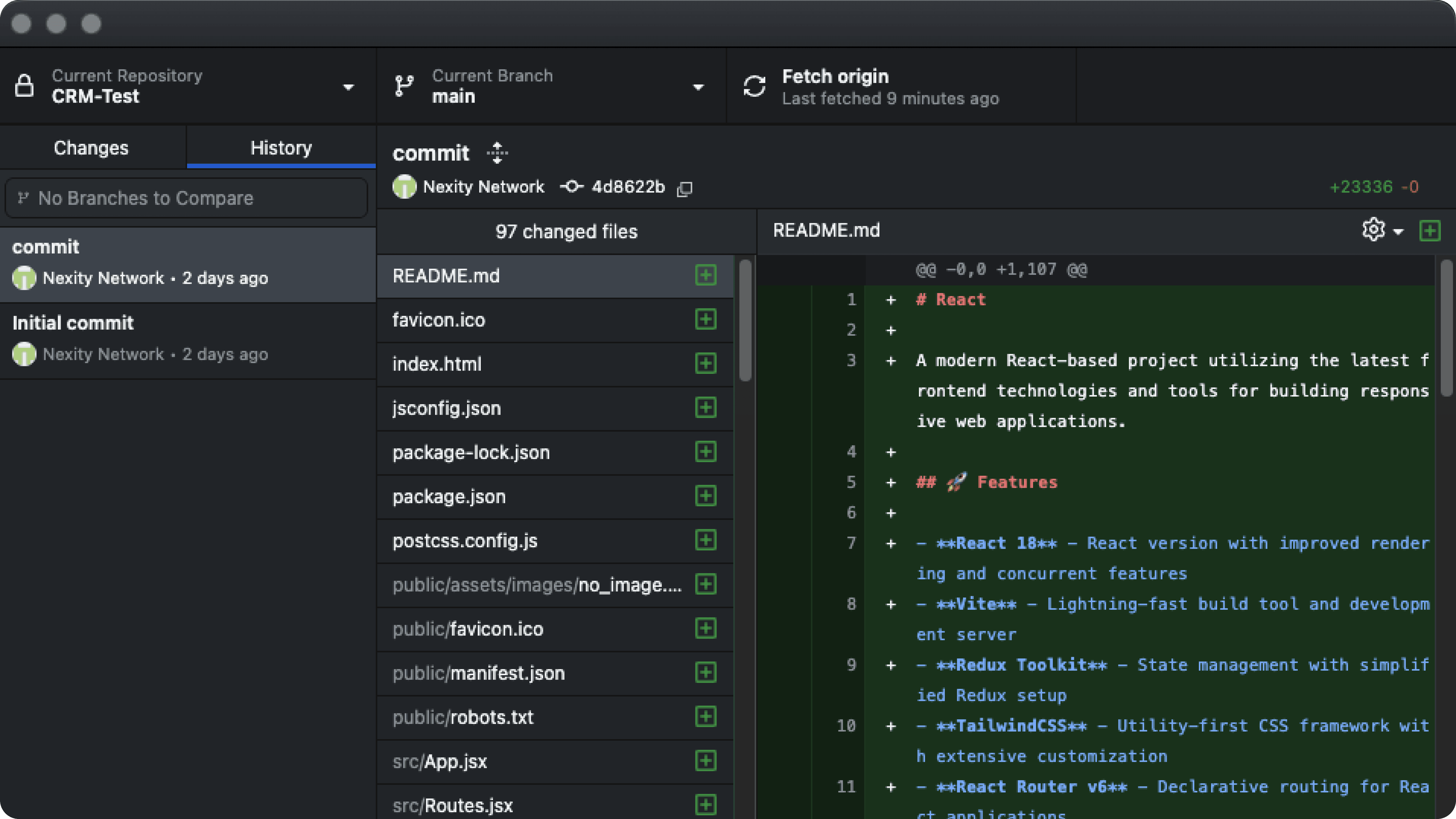
Once you have chosen an application, the next step is to place the code under version control. Create a new repository on GitHub and upload the selected application’s source code.
This gives you a clean working base, preserves history, and simplifies deployment or collaboration later. If you are unfamiliar with GitHub, this step can be completed directly in the browser by uploading the folder contents without using the command line.
Step 3: Choosing How to Run the Application
After the code is in GitHub, you need to decide how the application will run. The path you choose depends on your technical comfort level.
If you have deployment experience, you can host the application directly on platforms such as Google Cloud, AWS, Vercel, Railway, or Render. This approach provides maximum control and performance but requires you to manage environment variables, build steps, and domain configuration.
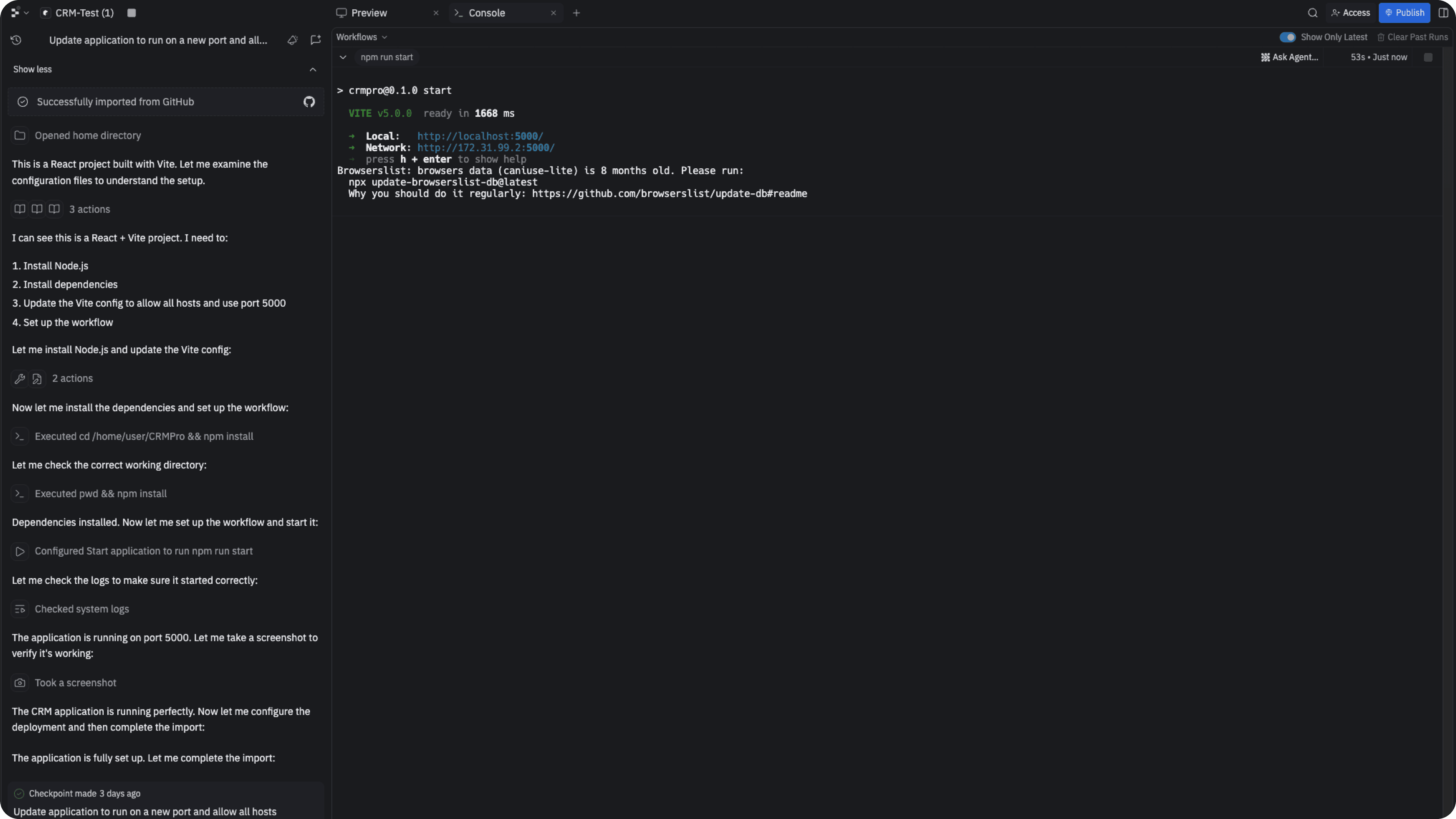
If you prefer to experiment, modify the code, or learn while running the application, you can use browser-based development environments.
For demonstration purposes, Replit is a suitable option. Alternatives include Lovable, Emergent, and other vibe coding apps. These tools allow you to run the app instantly, edit code in the browser, and preview changes in real time.
Step 4: Going Live
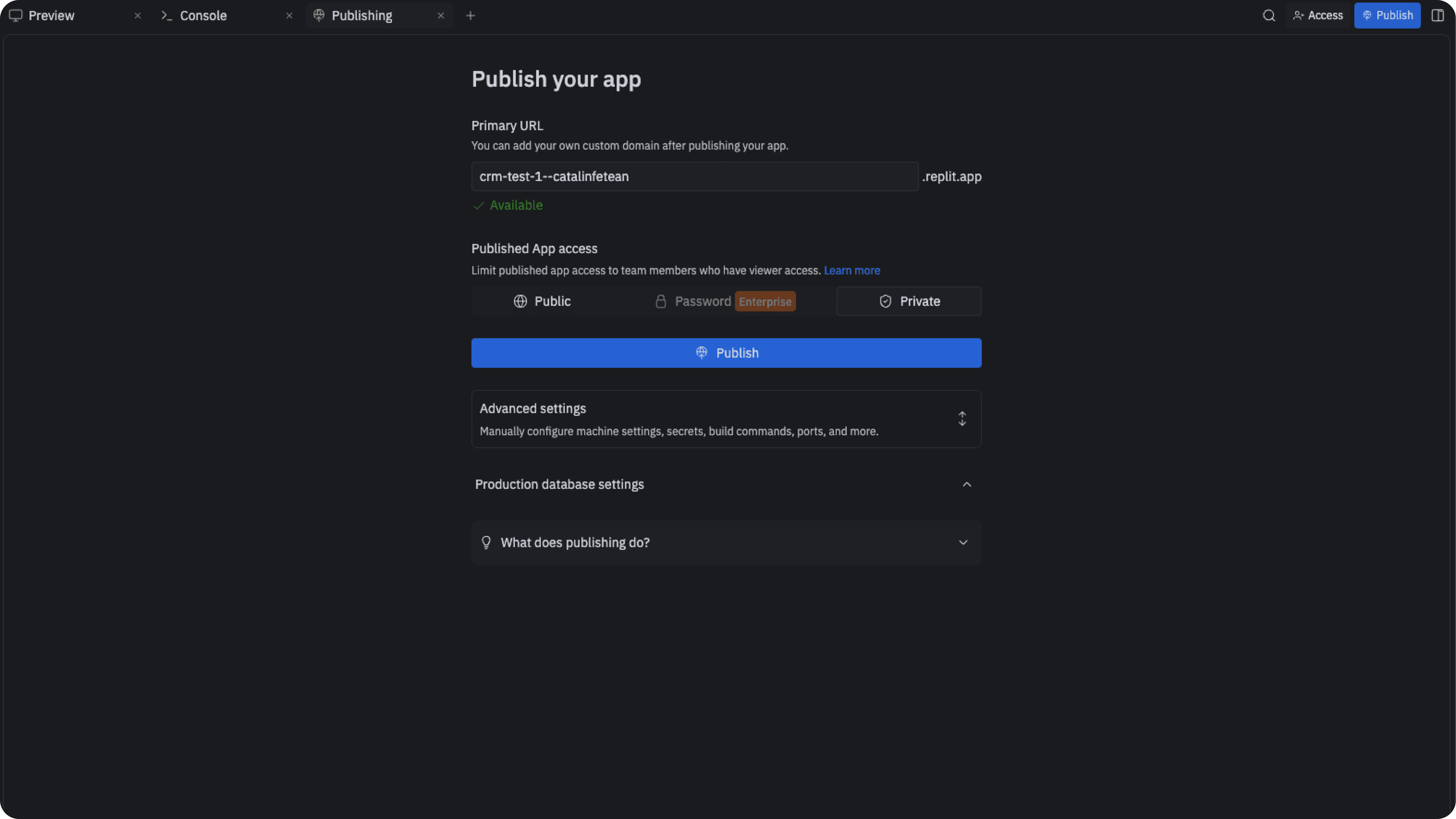
Once the application runs correctly, the next step is making it publicly accessible. This requires a live deployment URL and a domain.
Domains can be purchased from providers such as Namecheap, Google Domains, or Porkbun. After purchasing a domain, connect it to your hosting platform and verify that it resolves correctly.
At this point, the application is live. Do not polish it. Do not redesign it. The only requirement is that it works and is accessible.
Step 5: Preparing Go To Market
Do not add features at this stage. Your only focus is distribution.
The objective is to test positioning, messaging, and reach as quickly as possible.
Concentrate on short-form content, strong hooks, and fast feedback loops. Test different messages, audiences, and platforms. If something shows no movement within a few days, switch immediately.
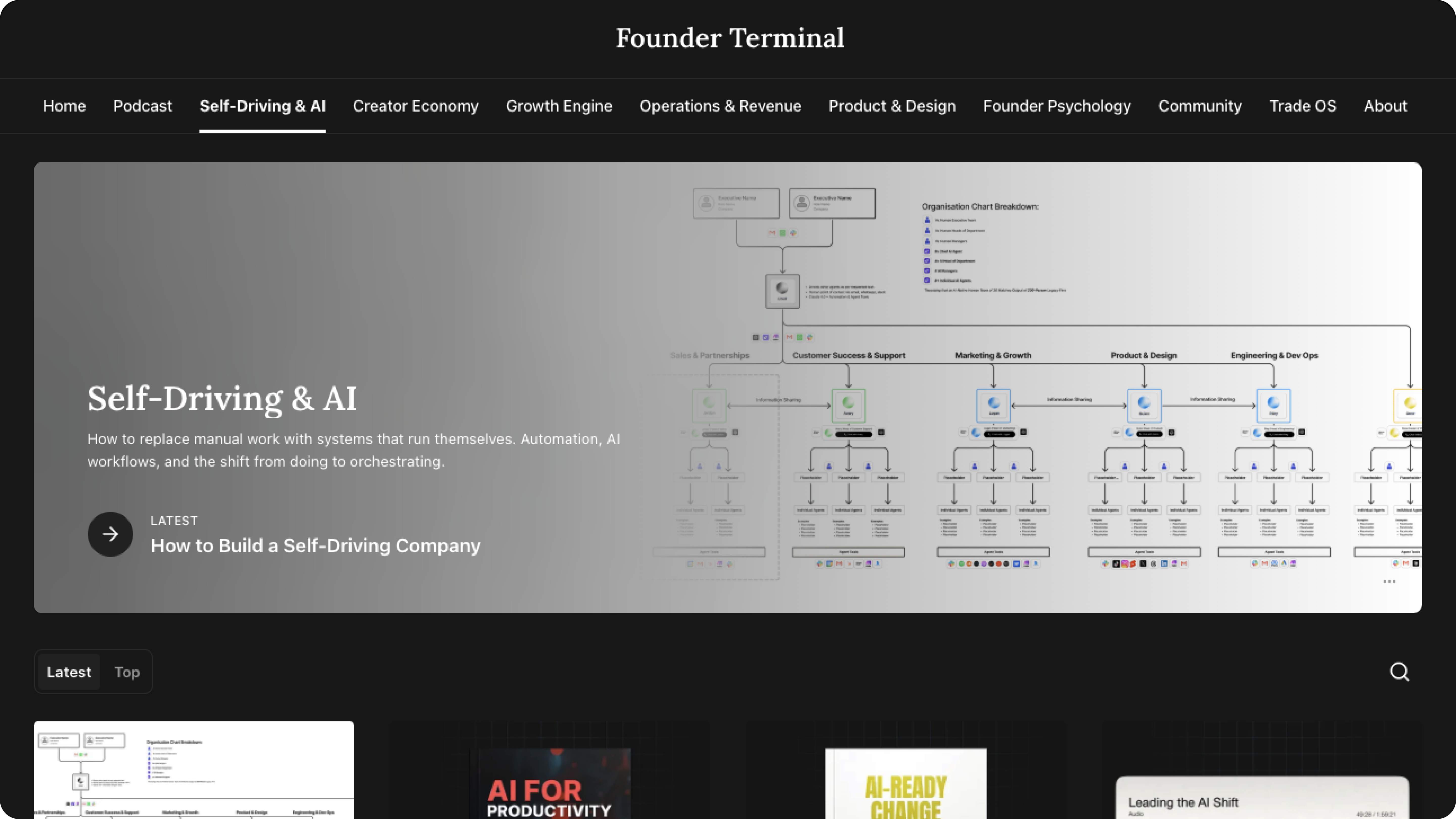
Go to Founder Terminal
Learning Distribution and Growth
You are not expected to intuitively know how to go viral or scale distribution. Use Founder Terminal as a reference while testing.
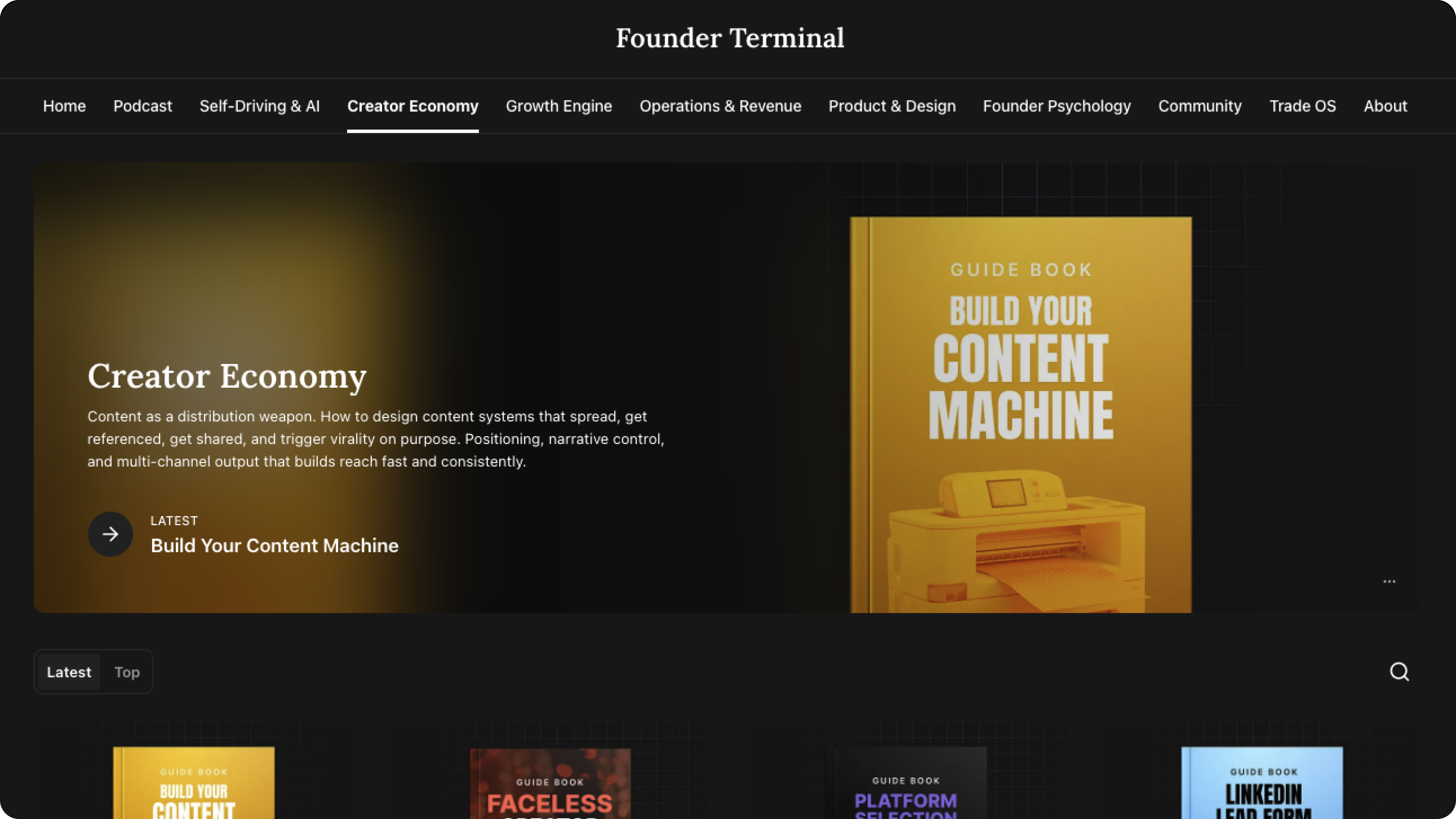
Find a list of proven hooks that go viral here
Founder Terminal provides free resources covering viral content structures, growth systems, revenue models, operational clarity, and building autonomous organizations.
Treat it as a supporting tool, not a replacement for real-world testing.
Final Notes
Do not try to perfect the first application. Do not tie your identity to any single product. Do not slow down before you have evidence.
Test quickly.
Kill without hesitation. Scale only what earns it.
That is the intended way to use this product.
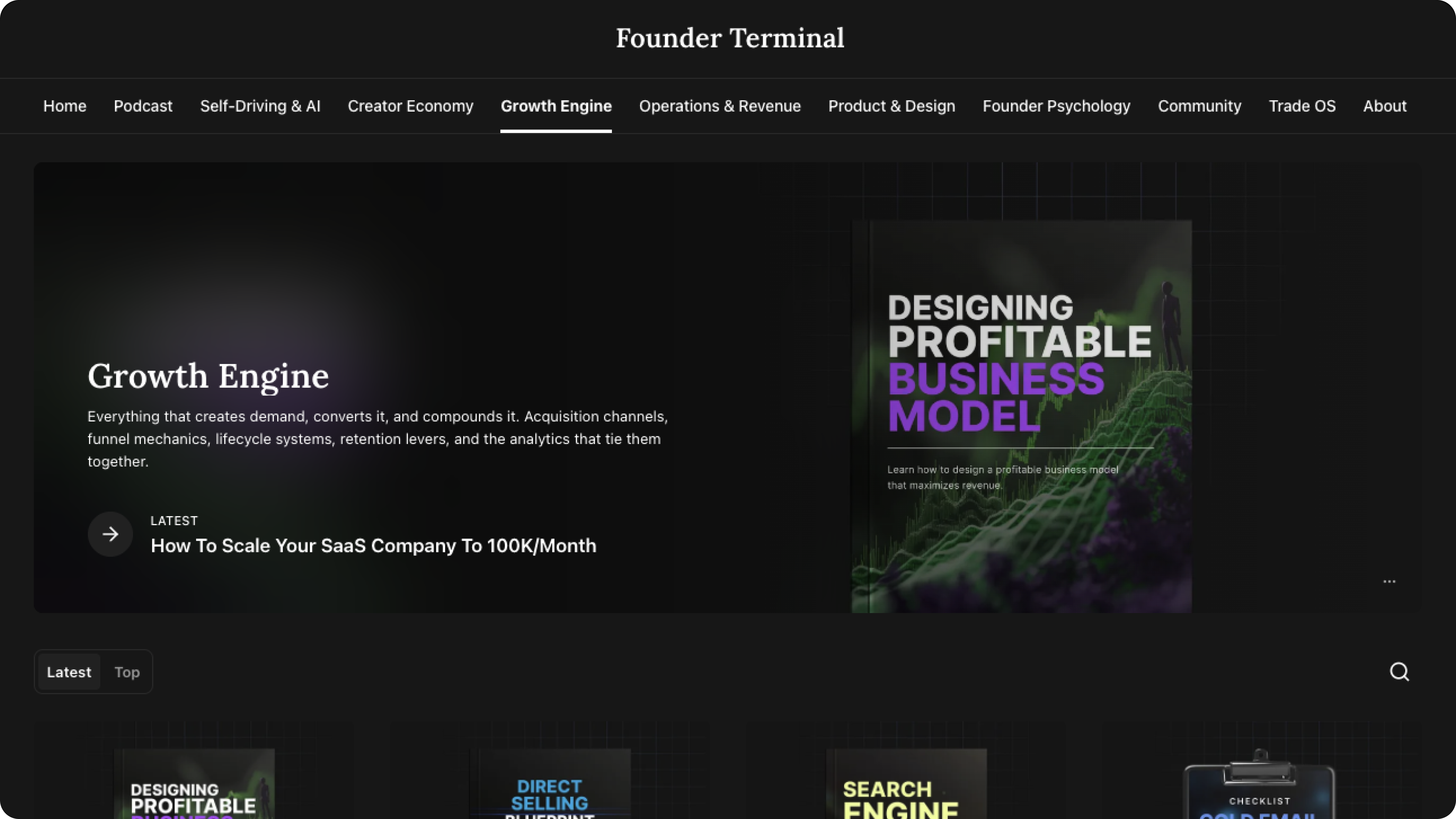
Once one of your apps shows traction you are ready for this:
Help and Support
This bundle is designed to be self-serve and execution-focused. You are expected to experiment, break things, and iterate quickly.
If you run into issues, start by checking the README inside the application folder. Most setup, configuration, and environment details are documented there.
For general questions about distribution, validation, and growth strategy, use Founder Terminal as a reference. It covers the mental models and systems needed once the app is live.
Support is not provided for custom feature development, deep refactors, or application-specific business decisions. The intent of this product is speed, not hand-holding.
If something is unclear in the documentation or a file is missing or broken, use the official support channel provided after purchase. Include the application name and a brief description of the issue so it can be resolved quickly.